ClipStudio is a simple, powerful video editor with a timeline, stackable filters, glow, speed and more. Your videos stay on your own computer.
Windows 10 / 11 · small installer (45 KB) · it fetches the rest (about 115 MB) the first time you open it
Familiar tools, laid out the way you expect them.
Double-click a clip to cut it right where you want. Drag the ends to trim and drag clips to move them on the timeline.
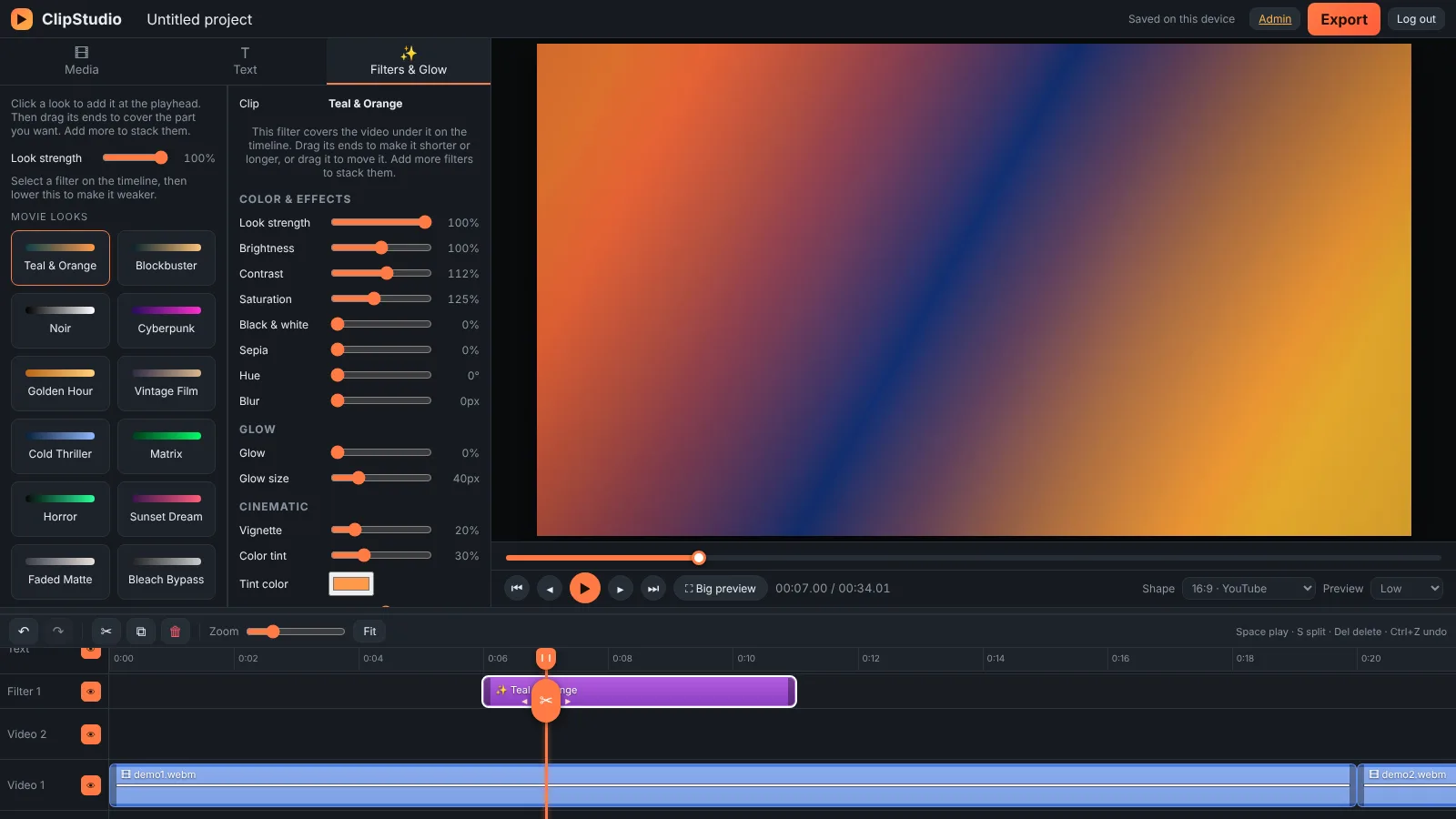
Add a filter, drag it over just the part you want, then add another on top. Lower its strength to make it softer.
One-click cinematic looks like Teal & Orange and Noir, plus a soft glow for that dreamy feel.
Change speed from slow to fast, set exact values like 1.10×, and adjust pitch separately.
Switch between 16:9, 9:16, 1:1 and 4:5. Crop to fill with one click, or drag the corners to fit it yourself.
See the waveform on your clips and drag the line up or down to set the volume.
No technical skills needed.
Click Download for Windows above and save the file.
Right-click the downloaded zip and choose Extract All.
Open the folder and double-click Start ClipStudio. The first time it downloads the app, which takes 1–3 minutes.
Sign in with your email and password. Next time, just double-click the same file.
Create an account from the log in page. Your teacher approves it, then you can start editing.
Use ClipStudio as an app straight from Chrome or Edge. No download needed.
Quick answers before you install.
This message appears for any new app that isn't from a large publisher. Click More info, then Run anyway. The app only opens the ClipStudio website in its own window.
Yes, to log in and to load the editor. The first run also downloads the app (about 115 MB), so do that on a good connection.
No. Your videos stay on your own computer. Editing and exporting happen on your laptop.
Automatically. The app always opens the latest version of ClipStudio, so you never need to download it again.
One computer is active at a time. If you log in on another device, the first one is logged out.
MP4 video where your browser supports it, otherwise WebM. Exporting runs in real time, so a 2-minute video takes about 2 minutes.